How to use a sleep timer for bedtime audio
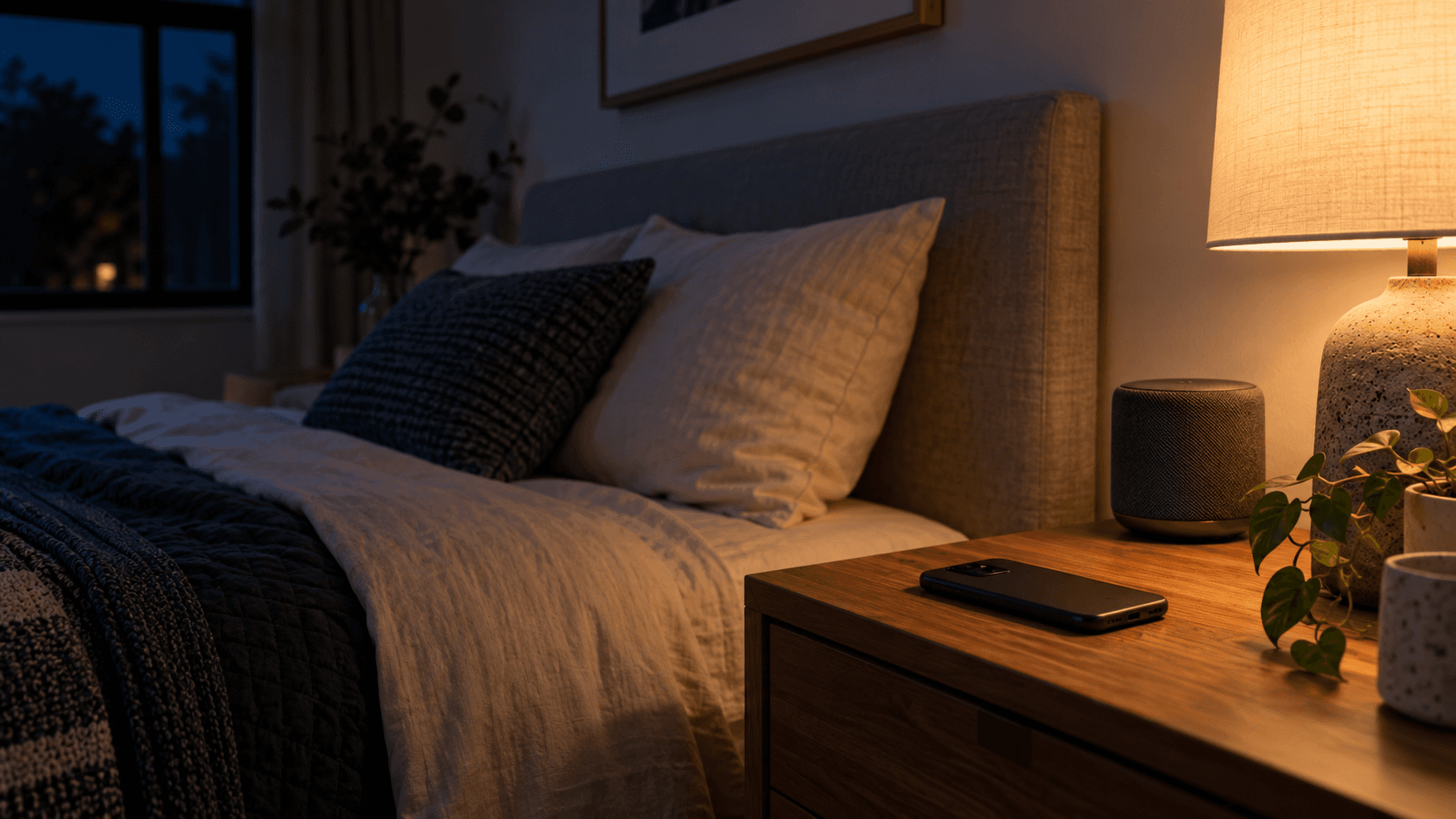
A sleep timer solves a small bedtime question: should the sound keep going after you drift off, or ease away while you sleep? The useful answer is personal. Here is a simple way to choose, without turning the last minutes before bed into another thing to optimize.
What a sleep timer does
A sleep timer stops or gradually fades audio after a duration you choose. It can keep a story from playing on after you are done listening, or let a soundscape taper off later in the night. The timer is a listening preference, not a sleep requirement: you can also let a quiet sound run as long as you like.
Choose the ending that suits your night
Try a timer if you like the room to return to quiet, want to limit playback, or prefer a story to end after its final chapter. Try continuous audio if you find a sudden change in the room distracting, or if you simply like a steady sound in the background. Either choice is reasonable; let your own experience guide it.
If you do use a timer, a gradual fade can feel softer than an abrupt stop. Pick a duration that gives you time to settle, and start with a low, comfortable volume. You do not need to keep checking the clock or the app.
A calm, three-step setup
- Choose rain, another steady sound, or a story you enjoy.
- Set the volume low enough to sit comfortably in the room.
- Choose a timer with a fade, or leave the audio running if that feels better.
Then put the phone down. The point of a timer is to make listening simpler, not to give you one more setting to revisit. If you are still awake when it ends, you can extend it or let the sound continue.
Match the sound to the job
For a short wind-down, a sleep story gives you something gentle to follow. For a steadier background, try rain sounds or another soundscape. If you prefer audio to last through the night, our guide to eight-hour sleep sounds explains how to choose continuous playback.
You can change the choice from one night to the next. The best setup is the one that feels comfortable and easy to leave alone.
Common questions
Should I use a sleep timer for audio?
It depends on what you prefer. A timer can stop audio after you expect to be asleep and save battery. If you often notice or wake when audio stops, continuous playback may suit you better.
Is a gradual fade better than stopping suddenly?
Some listeners find a fade less noticeable than a hard stop. Try a slow fade and a longer timer, then use whichever ending feels less disruptive to you.
How long should I set the timer?
There is no single right duration. Start with enough time for your usual wind-down, then adjust based on whether you prefer the sound to continue after you fall asleep.
Can I use a sleep timer with rain, stories, or other sounds?
Yes. Choose the kind of audio you enjoy and keep the volume comfortable. A timer is an optional control for stories and soundscapes alike.
Make room for a softer wind-down
DreamTide is a small, sleep-first app: slow stories, gentle wind-downs, and a layered sound mixer, narrated in soft, real voices, with timers that fade to silence once you’re asleep. 32 soundscapes and stories are free to use without subscribing. A 7-day introductory offer may be available to eligible new subscribers; the offer shown in your app store before purchase controls.